

Singleton Systems

I help operators and small teams turn scattered notes, repeated follow-ups, and messy handoffs into a workflow they can reuse.

Curious about AI? Ask me where it can save real time.

Jerami Singleton

Jerami Singleton

CEO of Singleton Systems.

How It Starts

Where the Work Gets Stuck

Most workflow problems start before the real work begins: vague requests, scattered files, missing context, and follow-ups living in too many places.

Instead of chasing updates across tools, threads, and memory, your team gets a single workflow hub: one place to see what matters, what's stuck, and what ships next.

Solutions

Intake & Scope

Turn each request into a repeatable project path your team can track.

New Video Project
4 inputs found
Footage
Notes
Deadline
Review

Project Goal

Final outcome and success criteria

Assets Needed

Raw footage, brand files, examples

Edit Notes

Structure, timestamps, revision context

Delivery Date

Export specs and handoff deadline

Assets & Folders

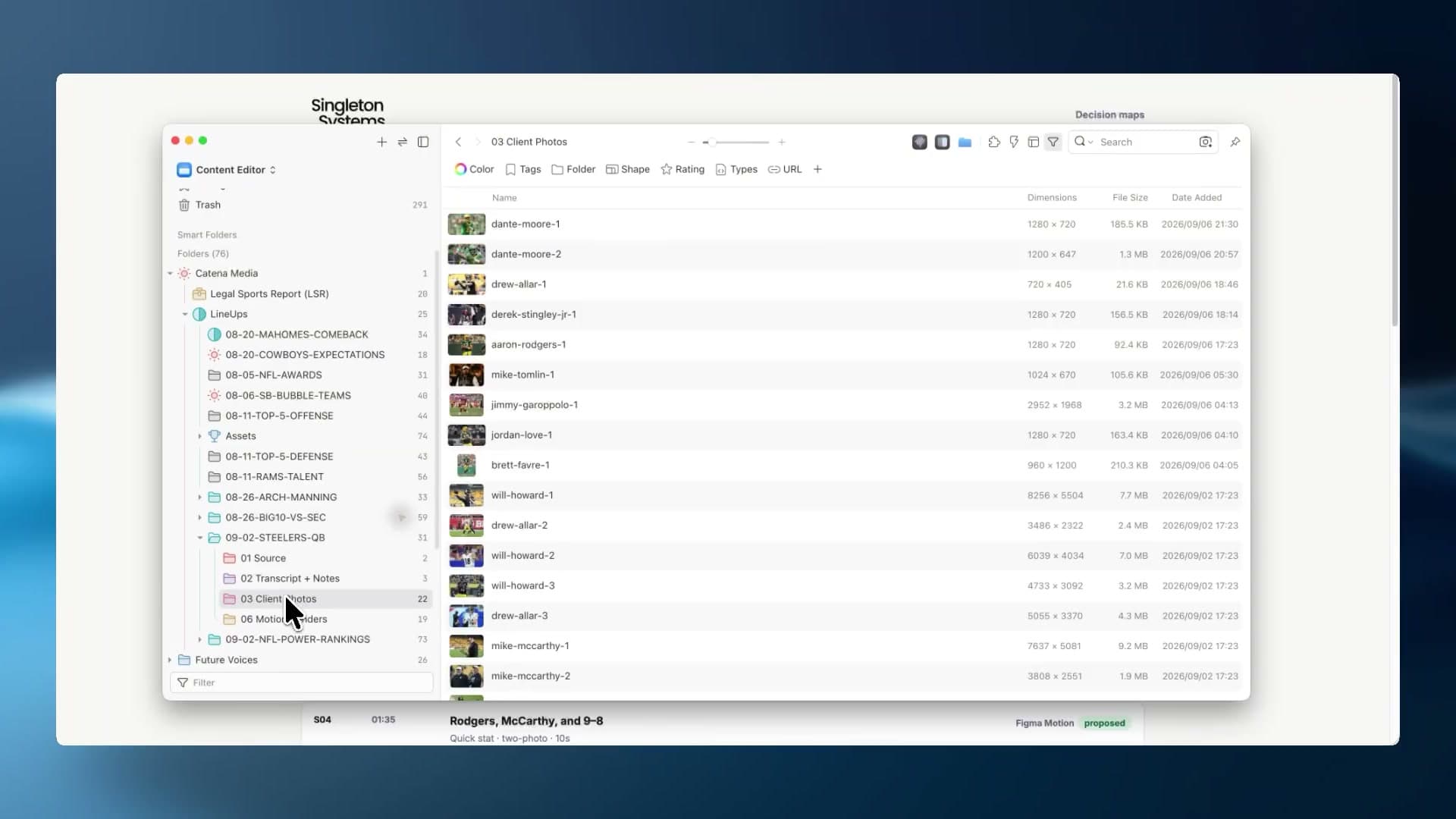
Give every project a file structure your team does not have to rethink.

Project Organized
Assets
Progress
Review
Final

Video

Timeline ready to build

Captured

Audio

V1 cleanup prepped

Recorded

Graphics

Brand pieces aligned

Designed

B-Roll

Support clips sorted

Sorted

Notes & Reviews

Turn feedback into decisions, tasks, and next steps without chasing threads.

Review Sorted

3 updates ready

Voice NoteTimestampsTasksApproved
Client voice note
03:42
02:14 - tighten introDecision
Swap example clipFix
Send revised cutNext
Client approved directionApproved

Package & Delivery

Package what worked so the next workflow starts cleaner.

Reusable Template
Saved as template

Everything that worked, ready for next time.

  • Workflows
  • Assets
  • Notes
  • Team Covered
  • Tools
Final Handoff
Ready to Ship

Delivery package

Export specs
Final
Final links
Shared
Client notes
Shared
Project template
Saved

Where I Can Help

Problems usually pop up during handoffs, when inputs, follow-ups, repeated tasks, and tools stop fitting how the team really works.

Scattered Inputs

Forms, files, notes, messages, and requests live in too many places.

Manual Follow-Up

The next step depends on someone remembering who needs what.

Batch Work

Repeated tasks need a cleaner way to review, approve, and ship.

AI-Assisted Setup

Prompts, tools, and automations only matter when they fit the real workflow.

Proof From Real Systems

Real examples of messy work turned into cleaner systems, with the before state, build path, and proof kept together.

Proof System

Course Video Migration

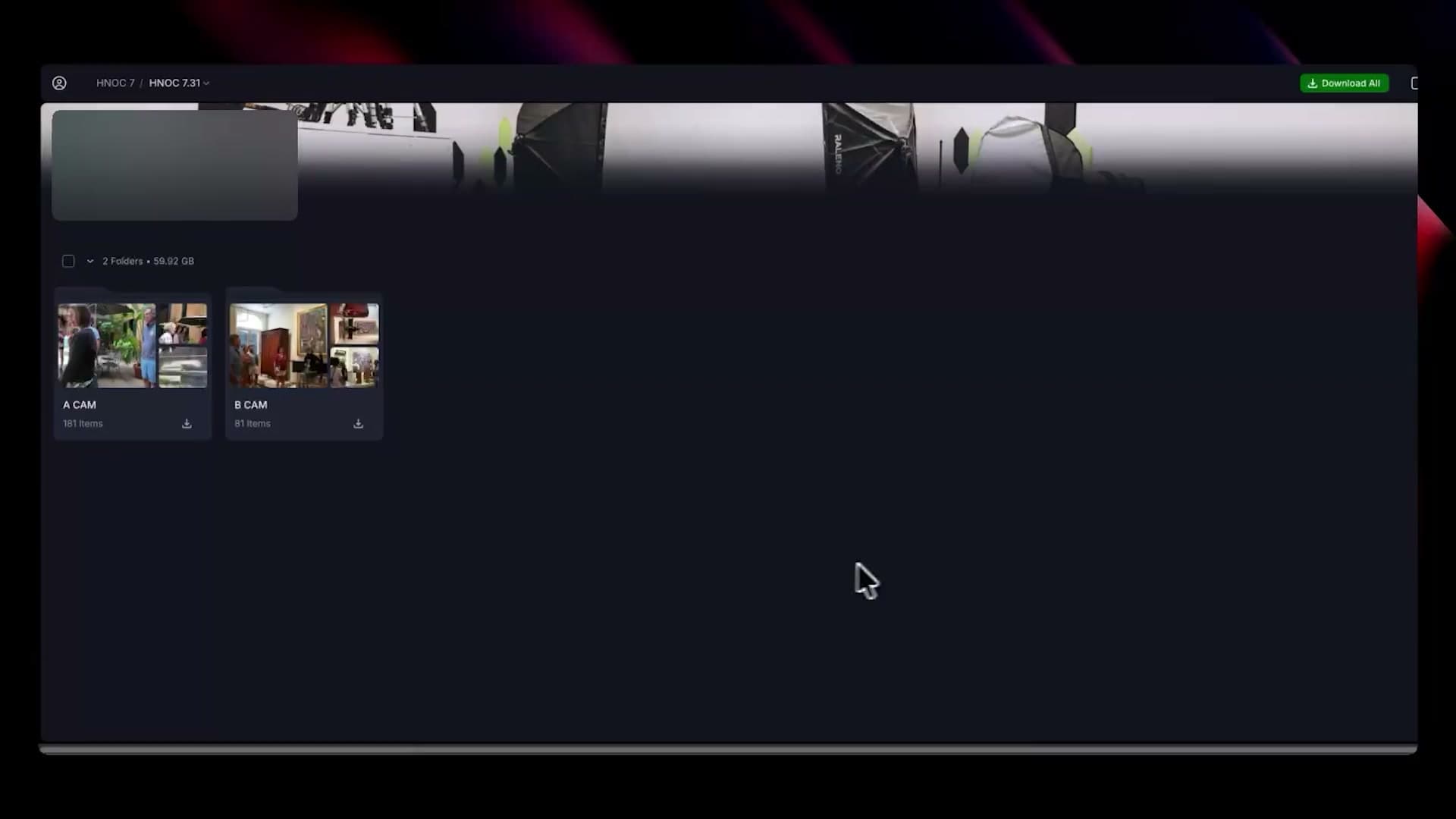
200+ course video files became ordered upload paths with cleaner names, mapped course libraries, and ready-to-ship structure.

Unordered Source Folder

Unordered Source Folder

Course videos received, but order and upload prep are unclear.

Folder

Course_Videos (messy)

Order unclearLong videos
File nameDuration
lesson-final.mov??
module 3 export.mp4??
zoom_recording_12.mp419h 12m
part two revised.mp4??
new upload final FINAL.mp4??
random_clip_7.mov00:42
screen-recording (1).mp4??
lecture capture 05-12.mp41:03:11

YouTube limit: split required

Long lessons must be broken apart before upload.

Hard to ship manually

Inconsistent names, unknown order, and very long files.

Recruiting Ops Command Center

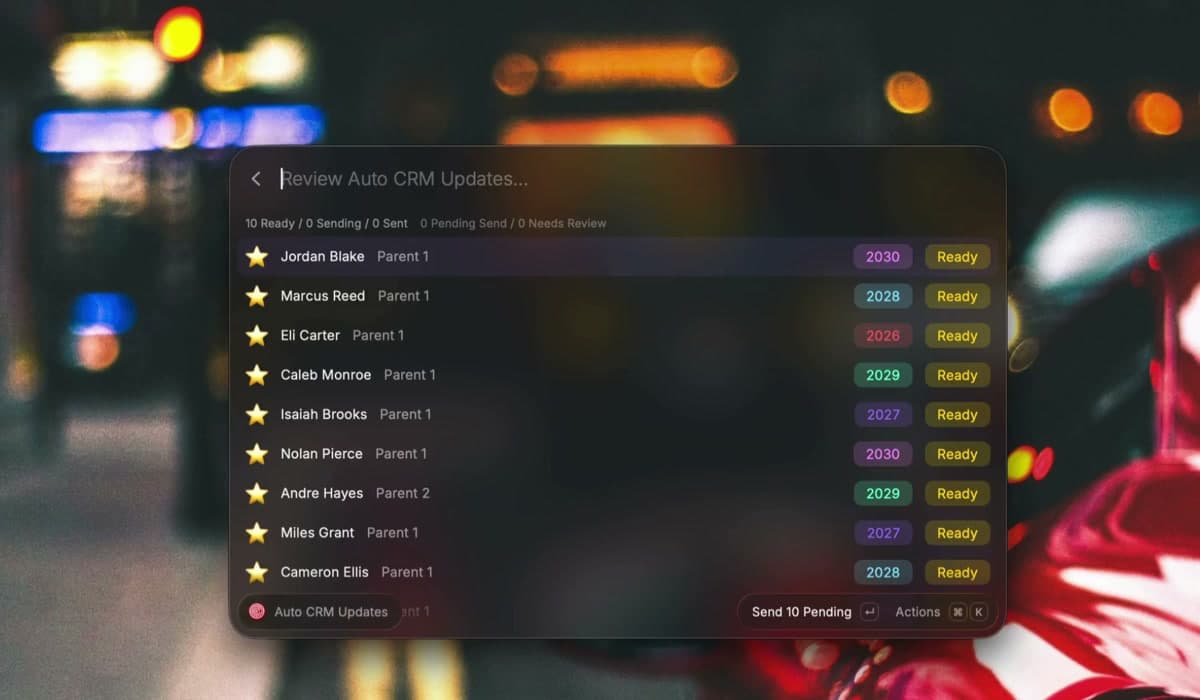
A custom workflow for moving athlete video work through lookup, review, follow-up, and delivery without losing status.

Outcome

140+ highlights

delivered in 6 weeks

Status, follow-up, send readiness, and review needs stayed visible as volume increased.

Live workflow preview
Status

Manual Tracking

Status got blurry as volume climbed.

Lookup, video updates, follow-up, and delivery pressure were spread across repeated steps.

Action

Operator View

Every athlete had a clearer next step.

Lookup, status, shortcuts, and handoffs all lived closer to the work.

Output

Shipped Under Load

140+ highlights delivered in 6 weeks

Real delivery volume moved with less manual tracking, fewer repeated clicks, and fewer memory-based follow-ups.

How The Audit Works

01

Pick one recurring workflow.

02

Watch how it’s done now.

03

List out the messy steps, tools, files, and follow-ups.

04

Create a simple hub, prompt, checklist, or automated path.

05

Check what went out and choose the next fix.

Ready for a free audit?

Stop relying on your team to remember what the workflow should handle.

Bring one messy recurring workflow. I'll help turn it into a clear system your team can use again and again.

Request Free Audit